
“Confirm Your Identity to Send Messages” — Fix in 2 Minutes (2026)
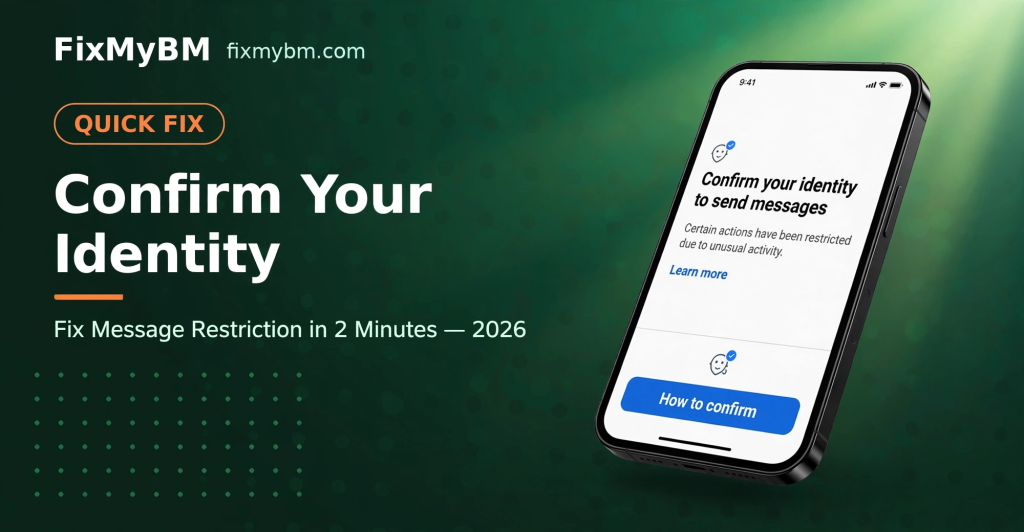
“Confirm your identity to send messages. Certain actions have been restricted due to unusual activity.”
Seeing this on Messenger? Don’t worry — the fix is super easy and takes just 2 minutes.
Why This Happens
Facebook restricts messaging when it detects unusual activity — new device, new location, too many messages too fast, or a fresh account. It’s an automated safety measure, not a ban.
The Fix (2 Minutes)
Follow these steps exactly:
Step 1: Login on Mobile
Open the Facebook or Messenger app on your phone and login to the restricted account. This fix works best on mobile — not desktop.
Step 2: Set Your Real Profile Picture
Upload your own clear photo as your profile picture. Facebook needs to match your face during verification, so use a real photo of yourself — no cartoons, no celebrities, no blank images.
Step 3: Tap “How to Confirm”
On the restriction screen, tap the blue “How to confirm” button.
Step 4: Complete Face Verification
Facebook will ask you to verify your face — usually by recording a short video selfie or taking photos from different angles. Follow the on-screen instructions:
- Find good lighting (face clearly visible)
- Remove sunglasses/hat
- Follow the prompts (turn head left/right, look up/down)
Step 5: Done! ✅
Once face verification passes, the restriction is lifted immediately — usually within 2 minutes. You can send messages again.
Tips for Success
- 📱 Always use mobile — face verification doesn’t work well on desktop
- 🪪 Real profile pic first — this is the #1 reason verification fails
- 💡 Good lighting matters — don’t try in a dark room
- ⏳ Be patient — if it fails once, wait a few hours and retry
What If Face Verification Fails?
- Make sure your profile pic is a clear photo of your face
- Try again in better lighting
- Remove anything covering your face
- Wait 24 hours before retrying if locked out
- As a last resort, submit an appeal at facebook.com/hacked
How to Avoid This in Future
- Don’t send too many messages to strangers in a short time
- Verify your account with phone number + email
- Turn on two-factor authentication
- Avoid logging in from many different devices/locations rapidly
FAQ
How long does the restriction last without fixing?
It can last days or weeks. Doing face verification is much faster.
Is face verification safe?
Yes — Facebook uses it only to confirm you’re a real person. It’s a standard process.
Can I do this on desktop?
Technically possible, but mobile works far better for face verification.
Still Stuck?
Message us on WhatsApp — we help with account restrictions and recovery every day.
Related: How to Use Facebook Safely
FixMyBM is not affiliated with Meta.