
How to Use Facebook Safely: Protect Your Account in 2026 (Complete Guide)
Your Facebook account got hacked. Your Business Manager — locked out. Years of work — gone in minutes.
Every day, thousands of Facebook accounts get compromised. Not because hackers are geniuses — but because users skip basic safety steps that take 5 minutes.
This guide shows you exactly how to use Facebook safely — whether you’re a casual user or running a business.
Why Facebook Accounts Get Hacked
- Weak passwords — reused across multiple sites
- No two-factor authentication — one password = one point of failure
- Phishing links — fake “Facebook security” emails and messages
- Staying logged in everywhere — old devices with active sessions
- Third-party apps — sketchy apps with full account access
Step 1: Turn On Two-Factor Authentication (2FA)
This is the single most important thing you can do.
- Go to Settings → Accounts Center → Password and Security
- Click Two-factor authentication
- Choose Authentication app (Google Authenticator, Authy) — safer than SMS
- Scan the QR code and save your backup codes
Need a 2FA code right now? Use our free 2FA generator tool.
Step 2: Run a Security Checkup
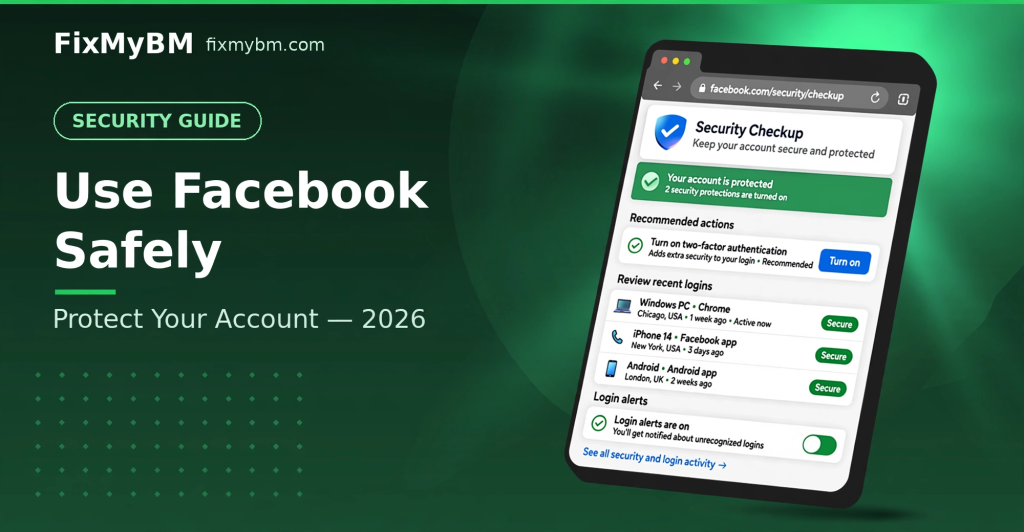
Visit facebook.com/security/checkup and review:
- ✅ Password strength
- ✅ Login alerts turned on
- ✅ Recent login sessions you recognize
Step 3: Review Where You’re Logged In
- Go to Settings → Accounts Center → Password and Security → Where you’re logged in
- Look for unfamiliar devices or locations
- Log out of anything you don’t recognize
- Log out of old devices you no longer use
Step 4: Turn On Login Alerts
Get notified immediately when someone logs in from an unrecognized device.
- Go to Password and Security → Login alerts
- Enable alerts via Facebook notifications + email
Step 5: Clean Up Third-Party App Access
- Go to Settings → Apps and Websites
- Remove apps you don’t use or don’t trust
- Be careful with “Login with Facebook” on random sites
Step 6: Protect Your Business Manager Too
If you run ads or manage Pages:
- 2FA on every admin — one weak admin compromises everything
- At least 2 admins — never rely on one person
- Remove ex-employees immediately
- Read our BM Safety Guide
How to Spot Phishing Attacks
Hackers impersonate Facebook constantly. Watch for:
- ❌ Emails from non-facebook.com addresses
- ❌ “Your account will be deleted in 24 hours” urgency
- ❌ Links that don’t go to facebook.com (hover to check)
- ❌ Asking for your password — Facebook never asks
Rule: If in doubt, go to facebook.com directly — never click the link.
What To Do If You Get Hacked
- Go to facebook.com/hacked immediately
- Follow the recovery steps
- Change your password + enable 2FA
- Review and remove suspicious sessions and apps
- Warn your friends about messages “from you”
The 5-Minute Safety Checklist
- ☐ 2FA turned on?
- ☐ Login alerts enabled?
- ☐ Unrecognized sessions logged out?
- ☐ Sketchy apps removed?
- ☐ Password unique (not reused)?
FAQ
Is SMS 2FA enough?
It’s better than nothing, but authenticator apps are safer — SIM swapping can bypass SMS codes.
Can Facebook lock me out for too many security changes?
Rapid changes can trigger temporary verification. Make changes gradually and verify your identity when asked.
Stay Safe Out There
Facebook safety isn’t complicated — it’s just consistent. Do the checkup today, and you won’t be tomorrow’s hacking victim.
Need help securing your Business Manager? Message us on WhatsApp.
FixMyBM is not affiliated with Meta.