
What Is 2FA? Two-Factor Authentication Explained + Free Code Generator (2026)
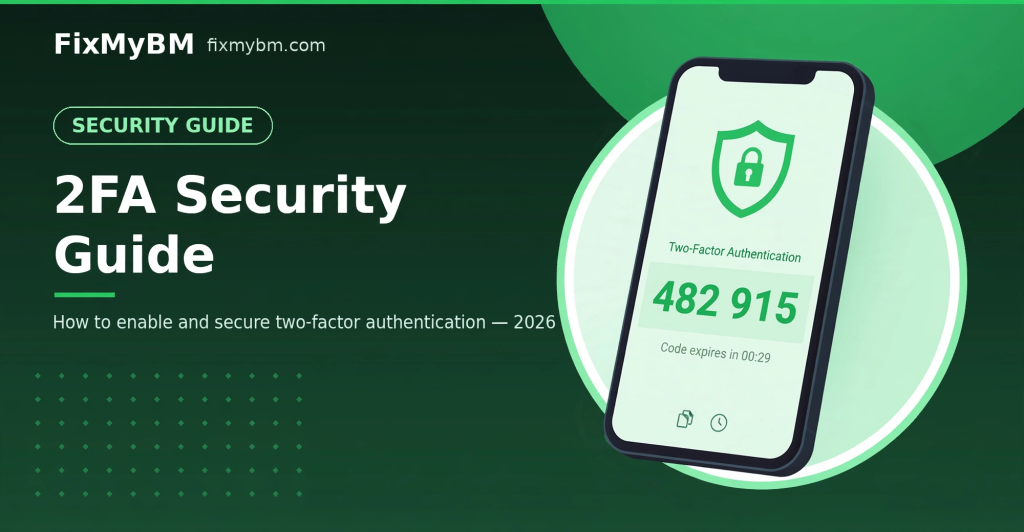
Passwords get stolen every day — through phishing, data breaches, and malware. Two-factor authentication (2FA) is the single most effective step you can take to keep your accounts safe. In this guide, you will learn what 2FA is, how it works, and how to generate 2FA codes free with our online 2FA code generator.
What Is 2FA?
2FA — two-factor authentication — means proving your identity in two ways instead of one:
- Something you know — your password.
- Something you have — a temporary code from your phone or authenticator.
Even if a hacker steals your password, they still cannot log in without that second code. That is why every major platform — Google, Facebook, Instagram, GitHub, Discord, Binance — strongly recommends enabling 2FA.
How Does 2FA Work? (TOTP Explained)
The most common 2FA method is TOTP (time-based one-time password):
- When you enable 2FA, the service gives you a secret key (shown next to a QR code).
- Your authenticator combines that key with the current time to compute a 6-digit code.
- The code changes every 30 seconds. You type the current code to log in.
- The server runs the same calculation, so it knows your code is genuine — without you ever sending the secret key.
This is an open standard (RFC 6238), which is why Google Authenticator, Authy, Microsoft Authenticator, and our free online generator all produce identical codes for the same key.
Generate Your 2FA Code Free
No app install needed. Open our free 2FA code generator, paste your secret key, and get your 6-digit code instantly — with a live 30-second countdown and one-tap copy. Everything runs in your browser; your key never leaves your device.
Why 2FA Matters in 2026
- Phishing protection: stolen passwords alone are useless against 2FA-protected accounts.
- Breach protection: billions of credentials leak yearly — 2FA keeps leaked passwords from becoming account takeovers.
- Required everywhere that matters: email, social media, crypto exchanges, and ad accounts increasingly require or strongly push 2FA.
2FA Best Practices
1. Save your backup codes
When you enable 2FA, every service gives you one-time recovery codes. Store them somewhere safe (password manager or printed). Lose your authenticator without backup codes and you can be locked out permanently.
2. Prefer authenticator apps over SMS
SMS codes can be intercepted via SIM-swapping. Authenticator-app (TOTP) codes never travel over the network and are the safer default.
3. Keep a second device ready
Export or back up your 2FA secrets so a lost or broken phone does not lock you out of everything at once.
4. Enable 2FA on your most valuable accounts first
Start with email (it resets everything else), then social media, crypto, and business/ad accounts.
Common 2FA Problems
Code rejected? Usually the secret key was copied with a typo, or the device clock is off — set system time to automatic and try the next code.
Lost your authenticator? Use your saved backup codes to get in, then set up 2FA fresh.
Bottom Line
2FA takes two minutes to enable and blocks the vast majority of account-takeover attacks. Turn it on everywhere important — and when you need a code fast, our free 2FA generator is one click away.