
How to Fix Meta Business Manager Access and Permission Problems (2026)
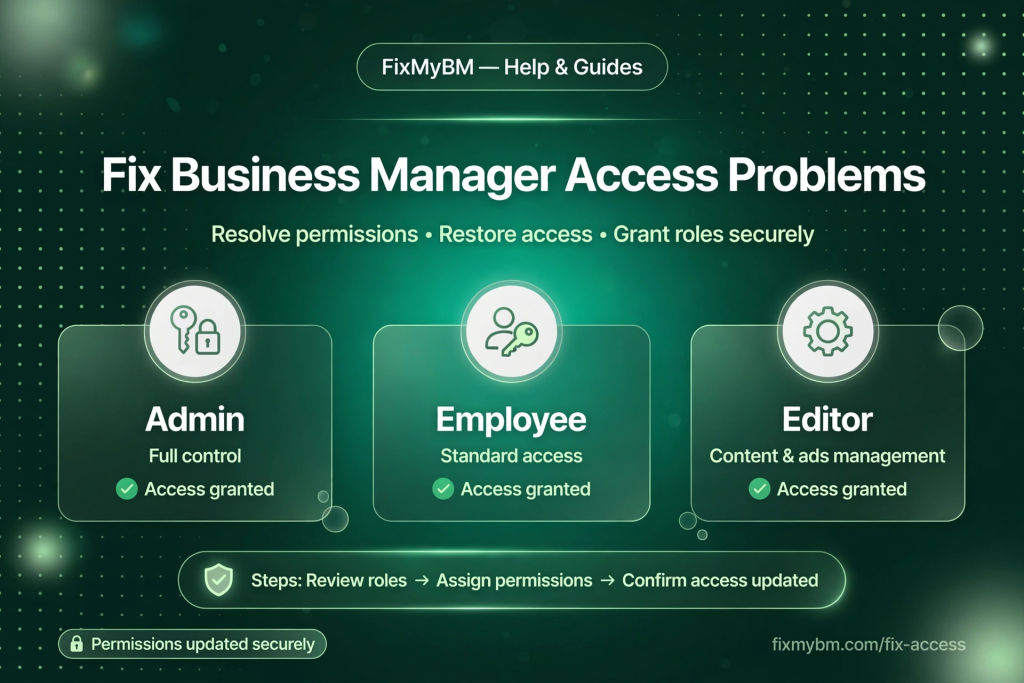
You’re trying to open Business Manager and something’s wrong: a Page you used to manage is gone, an ad account says “no access,” or your admin rights quietly disappeared. Access and permission problems are frustrating — but they’re usually fixable once you know which type you’re dealing with.
Types of Access Problems
- Can’t log in at all — usually a personal account issue (password, 2FA, hacked profile), not a portfolio problem.
- Portfolio missing from the list — your access was removed, or you’re logged into the wrong personal account.
- Asset shows “limited access” — you have partial permissions but need more.
- “You don’t have permission” errors — your role was downgraded or never granted for that asset.
- Only admin left the company — the hardest case; see below.
Step 1: Check What Access You Actually Have
- Go to business.facebook.com and confirm you’re logged into the correct personal account (many people have two).
- Open Business Settings → Business Info to see the portfolio details.
- Go to Users → People → [your name] to see your exact role and which assets you can touch.
Write down what you see. “I have partial access to Ad Account X but no Page access” is a diagnosable problem; “it’s broken” is not.
Step 2: Fix — Re-request Access
If an asset you need isn’t listed under your name:
- Ask any current admin of the portfolio to go to Business Settings → Users → People → Add and invite you with the right asset permissions.
- Accept the email invitation promptly — expired invites are a common gotcha.
- If it’s a Page (not portfolio-level), a Page admin can add you directly in Page Settings → Page Access.
Step 3: Fix — Restore Downgraded Permissions
If you had access and lost it:
- Check with the portfolio admins whether roles were changed during a cleanup — this happens more often than you’d think.
- Ask for the minimum role you actually need (advertiser, analyst, etc.) rather than full control — admins grant smaller requests faster.
- If a freelancer or agency removed you after a project ended, you’ll need the business owner to re-add you.
Step 4: The Hard Case — The Only Admin Is Gone
If the sole admin left, was fired, or lost their personal account:
- First, check if any other person still has partial admin rights — sometimes a second admin exists and nobody remembers.
- Document your legal ownership of the business (registration documents, domain ownership, invoices).
- Use Meta’s official business support channels to request an ownership review. This is slow and not guaranteed — which is exactly why the “two admins” rule exists.
Prevention is the real fix here. Every portfolio should always have at least two active admins with current contact details.
Access Hygiene Checklist (Do This Today)
- Two admins minimum — verify both can log in right now.
- Remove ex-employees, old agencies, and freelancers whose work ended.
- Give partial, asset-level access instead of full control by default.
- Make sure every admin has two-factor authentication on.
- Keep a simple log: who has access to what, reviewed quarterly.
FAQ
Why did my access disappear overnight?
Most often: an admin cleaned up users, your role was changed, or you were removed when an agency offboarded. Ask the portfolio owner before assuming a Meta bug.
Can I recover a portfolio with zero admins?
Sometimes, through Meta’s ownership verification — but it’s slow and uncertain. Legal business documents are essential.
Does deleting my personal Facebook remove my business access?
Yes — your portfolio access is tied to your personal account. Never delete the personal account that holds your only admin seat.
Need Help Untangling Access Issues?
Permission mazes are our daily work. Message us on WhatsApp describing what you see, and we’ll help you map the fastest path back in.