
October 13, 2026
Facebook Rights Manager Dispute: How to Challenge a Claim (2026)
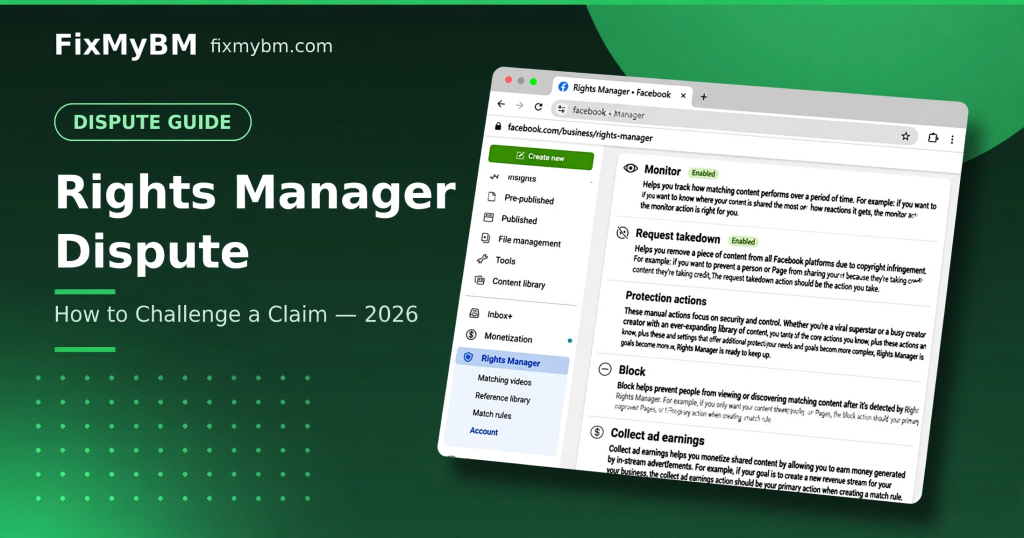
Facebook Rights Manager automatically detects copyrighted content in videos. Sometimes it’s wrong. Here’s how to dispute a Rights Manager claim in 2026.
Why You Got the Claim
- Background music matched a copyrighted track
- A video clip matched someone’s reference file
- False match — the system isn’t perfect
How to Dispute
- Open the claim in Creator Studio / Meta Business Suite.
- Click Dispute.
- Choose your reason: you own it, it’s licensed, fair use, or public domain.
- Provide details and evidence.
- Submit — the rights owner has a limited time to respond.
What Evidence Wins Disputes?
- Original project files with creation dates
- Licenses or written permissions
- Proof the “matched” content is actually yours
Need Help With a Complex Dispute?
Rights Manager disputes need precise language. Our copyright team handles them: message us on WhatsApp.